
Personal photos
How to Remove the Background from a Selfie on Your Phone
Turn a selfie into a transparent PNG and check the result on your phone.
Remove the background from a selfie, portrait or product photo. Keep it transparent or choose a new color.
Drop your image here or click to browse
Paste an image or a direct image link.
Local modes process photos on your device. Cloud mode sends photos to an external service.
Transparent PNG · No account · No watermark
Or try instantly with a studio sample:
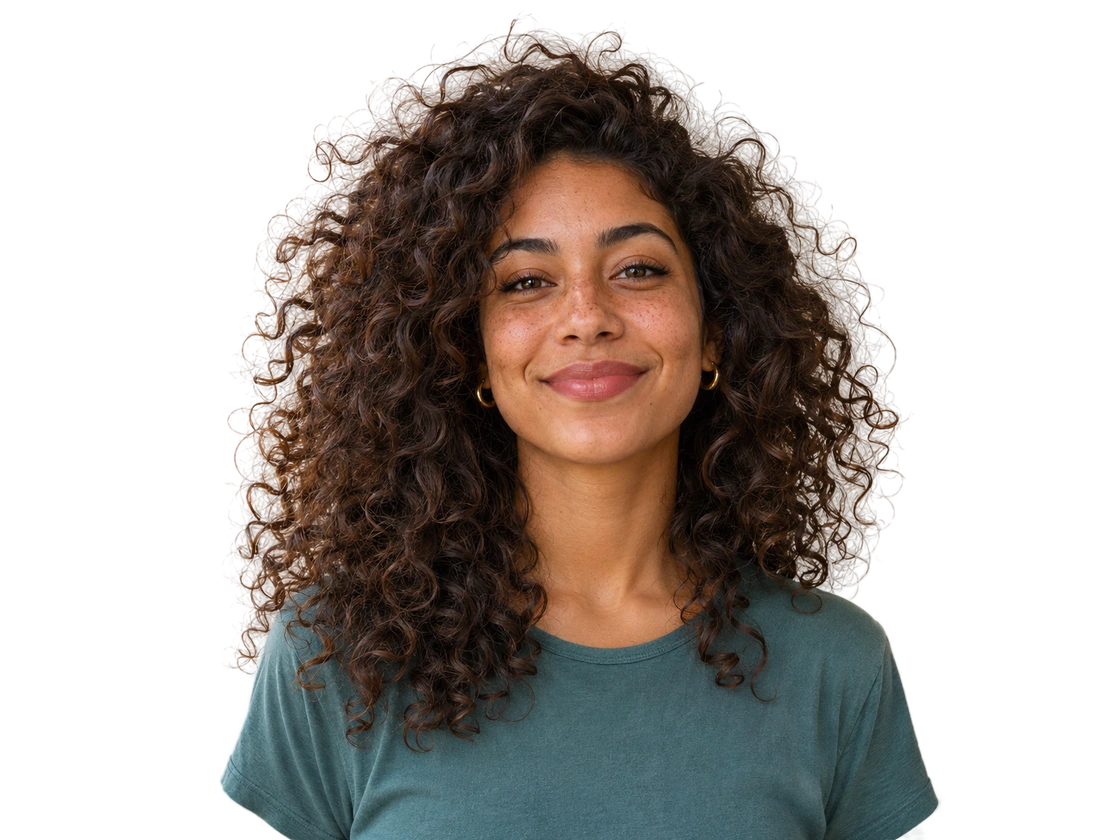

Portrait demo with a refined hair mask.
Personal photos
Turn a selfie into a transparent PNG and check the result on your phone.
Personal photos
Keep curls and fine strands when removing the background from a portrait.
Personal photos
Set a white background, keep the face in frame, and preview a round crop.
Prepare product photos, transparent cutouts, or a whole batch from one editor.
Choose between local processing and an optional cloud engine. If an engine fails, the tool can try a local alternative.
Layer bold Arabic and Latin typography behind portraits or products with stroke, shadow, and direct canvas drag.
Give product photos a shared white background and square frame, then download the completed batch in one ZIP.
Blur the original photo backdrop with adjustable optical softness while keeping your foreground razor sharp.
Add crisp YouTube sticker outlines, studio drop shadows, and paint alpha mask touch-ups with full Undo/Redo.
Local engines run 100% inside your browser using WebAssembly—your photos never leave your device.
Designed to run reliably on standard shared hosting with zero server CPU usage.
Upload JPG, PNG, WebP, or AVIF photos up to 4K—or click a studio sample to test immediately.
Remove the background automatically, then layer Text Behind Subject, DSLR Bokeh, or Sticker Borders.
Preview live file sizes across PNG, WebP, and JPG and download individual files or a complete ZIP.
What to expect when processing and exporting images.
Local modes process photos on your device. If you select cloud mode, your photo is sent to an external processing service.